Featured Post

We've moved to tex.my!

It’s been great writing on Blogger.com, but we’ve decided to move to a new platform, thanks to some valuable help from a great, great friend...

Showing posts with label latex-beamer. Show all posts

Wednesday, December 30, 2015

Source code for "LaTeX: More than just academic papers & theses"

I’ve posted the source code for my presentation LaTeX: More Than Just Academic Papers and Theses as an example on Overleaf.

Enjoy!

Saturday, May 12, 2012

Apple's Keynote Beamer Themes for The Poor

If you don't have Keynote in your Mac, or does not even own any Apple's hardware, perhaps considering this theme, click here


Saturday, October 15, 2011

Fixing the Biolinum Font in Beamer

The libertine package provides LaTeX support to the Linux Libertine and Linux Biolinum fonts. The package release dated 2011-06-06 contains a bug, in which the ex unit value of the san serif font, Linux Biolinum, is not set correctly. This causes problems if the libertine package is used in a beamer presentation:


Notice how the heights of the headline and footline coloured boxes are almost zero. The same thing happens to the itemized and enumerated list markers, too.

A bug report has been filed with the LinuxLibertine project, but it’s still open at the time of writing.

In the meantime, Ulrike Fischer and Robin Fairbairns have provided an interim solution by resetting the ex value in the .fd files. Here’s what I did following their suggestions.

Locate the Biolinum .fd files, which should be in $TEXMF/tex/latex/libertine/ . I usually work with T1 encoding, so I homed in on the files t1fxb.fd, t1fxbf.fd, t1fxbj.fd, t1fxbjo.fd and t1fxbo.fd. (All these files, because sometimes I want the old-style numbers fonts.) I then added the code in red below for each m-n series-shapes:

\DeclareFontShape{T1}{fxb}{m}{n}{
<-> \fxl@@scale fxbr-t1
}{\fontdimen5\font=\fontcharht\font`\x}

I didn’t bother with the \DeclareFontShape of other series-shapes, as the above seems to have fixed the problem for me:


So hopefully this’ll help anyone else who’s run into a similar predicament. Thanks again to Ulrike and Robin for the solution.

Monday, September 26, 2011

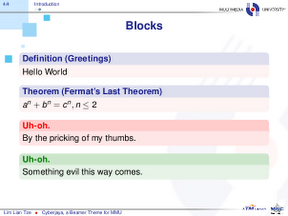
Cyberjaya, an MMU Beamer Theme

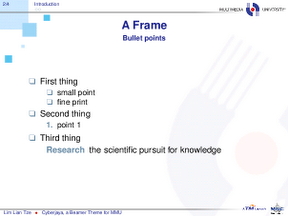
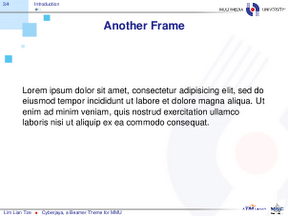
And here’s Cyberjaya, a Beamer theme based on Multimedia University’s (MMU) colours. (Cyberjaya, Selangor, Malaysia is where MMU’s main campus is located.)

Screenshots and download link:


Brief example using the theme:

\documentclass[compress]{beamer}
\usetheme{Cyberjaya}

\author{This is Me}
\title{This is My Presentation}

\begin{document}

\begin{frame}[plain,t]
\titlepage
\end{frame}

\begin{frame}
\frametitle{First Frame}
My content
\end{frame}

\end{document}

Wednesday, September 21, 2011

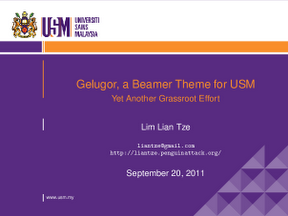
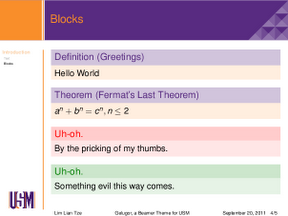
Gelugor, a USM Beamer Theme

Just last week, I had another Beamer-related inquiry from a postdoctoral fellow at the School of Mathematical Sciences, Universiti Sain Malaysia (USM). Was it possible to have a Beamer theme modelled after USM’s Powerpoint template?

I came up with Gelugor over the weekend. (Gelugor, Penang, Malaysia is the town where USM’s main campus is located.)

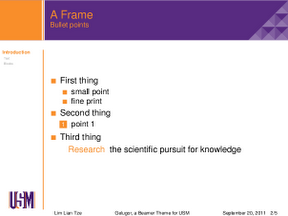
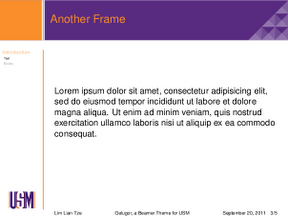
Screenshots and download link:


Brief example using the theme:

\documentclass{beamer}
\usetheme{Gelugor}

\author{This is Me}
\title{This is My Presentation}

\begin{document}

\begin{frame}[plain,t]
\titlepage
\end{frame}

\begin{frame}
\frametitle{First Frame}
My content
\end{frame}

\ThankYouFrame

\end{document}

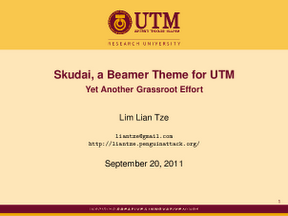
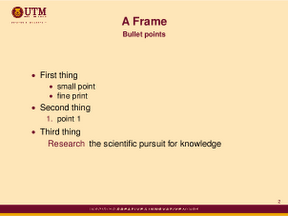
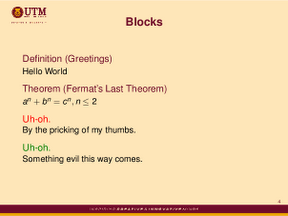
Skudai, a Beamer Theme for UTM

This all started a couple of months back when Najmi asked me if it was possible to get a Beamer presentation to look like his university's (Universiti Teknologi Malaysia, UTM) Powerpoint template.

The eventual result is Skudai, a UTM Beamer theme. (Skudai is the name of the city town in Johor, Malaysia, where UTM’s main campus is located.)

Screenshots and download link:


A brief example on using the theme:

\documentclass{beamer}
\usetheme{Skudai}

\author{This is Me}
\title{This is My Presentation}

\begin{document}

\begin{frame}[t]
\titlepage
\end{frame}

\begin{frame}
\frametitle{First Frame}
My content
\end{frame}

\end{document}

Saturday, July 16, 2011

Printing Beamer Slides

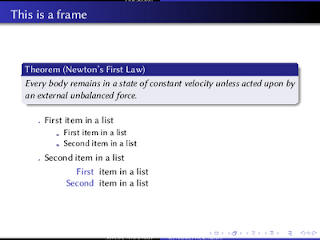
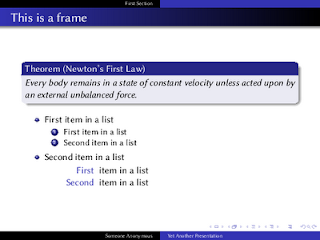
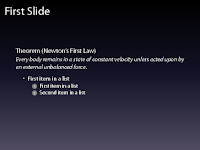
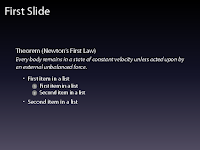
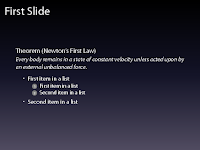
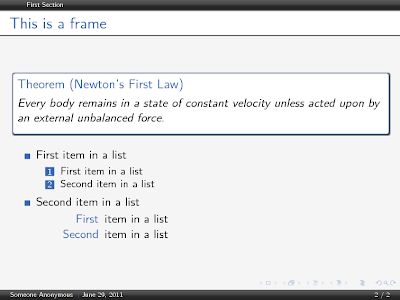
Every now and then I’d go wild with \pause and \item<+-> in my Beamer presentations, to present information piecewise. (I’m aware that some people disapproves this.) (By the way, the Manhattan theme is a Keynote lookalike.)
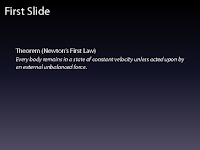
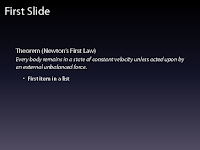
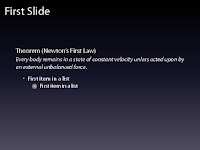
\documentclass{beamer}
\usetheme{Manhattan}

\begin{document}
\begin{frame}
\frametitle{First Slide}

\begin{theorem}[Newton's First Law]
Every body remains in a state of constant velocity unless acted upon by an external unbalanced force.
\end{theorem}
\pause
\begin{itemize}
\item<+-> First item in a list
\begin{enumerate}
\item<+-> First item in a list
\item<+-> Second item in a list
\end{enumerate}
\item<+-> Second item in a list
\end{itemize}
\end{frame}
...
\end{document}


For archival and distribution purposes, I usually invoke

\documentclass[trans]{beamer}

to get a PDF file in which all the overlays are “condensed” to their respective single slides.


When it comes to printing the slides for my own reference, though, I often prefer to have the presentations 4-up on an A4 sheet. In addition, the Manhattan themed presentation isn’t really printer-friendly. So I’d instruct Beamer to only use the Manhattan theme in beamer and trans modes; and that it should use some mostly-white theme as well, as placing the slides 4-up on an A4 paper in handout mode (code lifted from the Beamer manual).

\documentclass{beamer}
% \documentclass[handout]{beamer}
% \documentclass[trans]{beamer}


\mode<beamer|trans>{
\usetheme{Manhattan}
}

\mode<handout>{
\usetheme{default}
\usepackage{pgfpages,pgf}
\pgfpagesuselayout{4 on 1}[a4paper, landscape, border shrink=5mm]
\pgfpageslogicalpageoptions{1}{border code=\pgfstroke}
\pgfpageslogicalpageoptions{2}{border code=\pgfstroke}
\pgfpageslogicalpageoptions{3}{border code=\pgfstroke}
\pgfpageslogicalpageoptions{4}{border code=\pgfstroke}
}
...

Running pdflatex while activating the handout mode then gives me this output:
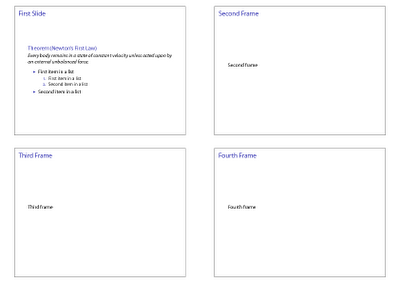


Just remember to process your file twice every time you change the mode, so that all hyperlinks and bookmarks are updated properly.

Thursday, June 30, 2011

Wuerzburg Beamer Theme

I’ve received a few enquiries about the Beamer theme of my MOSC2011 slides. This beautiful, subtle theme is wuerzburg (scroll down to “LaTeX Beamer Themes”), created by Christian Gogolin.
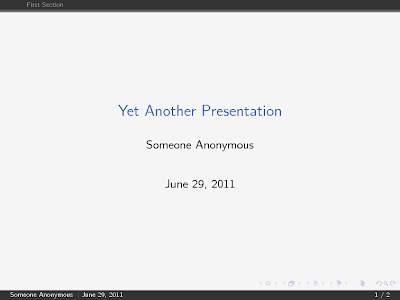
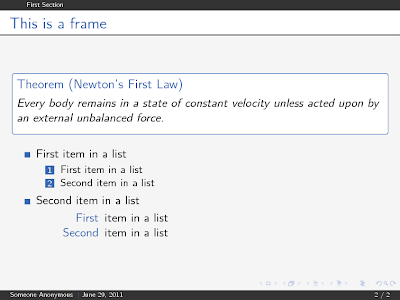
Basic usage and the output:

\useoutertheme{wuerzburg}
\useinnertheme[outline]{chamfered}
\usecolortheme{shark}


Depending on your mood, you might want to go for a more ‘polished’ feel:

\useoutertheme[glossy]{wuerzburg}
\useinnertheme[outline,shadow]{chamfered}
\usecolortheme{shark}


See the comments in the .sty files for more options.

Wednesday, June 30, 2010

Another Beamer Thingy: Internet Malicious Miscreants

Tomorrow will be the last day of Malaysian Open Source Conference (MOSC 2010) where in this three days event I got a chance to talk on something which perhaps everybody knows about : Malicious Software and friends.

Anyway, the following is my PDF slides, ready for download here . In future, perhaps I considering drawing diagram using Tikz (again), but this one, maybe with something which I really love to draw.

Tuesday, March 2, 2010

Latest version of geometry.sty breaks beamer

So if you updated all your packages in one go and finds that your beamer presentations don't compile anymore, this is why. Don't panic though (42), there's a workaround: put the following line before \documentclass{beamer}:

\makeatletter\let\ifGm@compatii\relax\makeatother
\documentclass{beamer}

Read this post for more information.

Monday, October 26, 2009

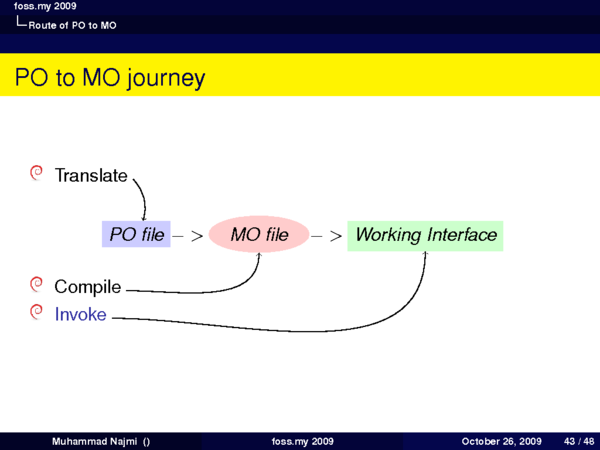
My first presentation with LaTeX

I spent my precious nites doing these stuffs. Everything went well except I didn't compiled my *.tex twice so that my Tikz arrows drawn perfectly.

Next 6th Nov I'll be going to present another talk.. I hope I can avoid such problem again.

Tex Source
My Presentation Slides [HTML]
My Slides [PDF, 70 slides since I did some overlays]

You can refer my .tex file and do whatever changes that you want... but I'll be happy if you tell me where will you present your talk using my so called *masterpiece* :D

By the way, I converted those Beamer PDFs using external command, that is gs

I tweak some recommendations here

So, what I did was;

gs -dNOPAUSE -g1024x768 -r205 -sDEVICE=pngalpha -sOutputFile=./temp/slide_%02d.png -dBATCH beamer-foss-my-09.pdf cd temp/new/

//02d since this will correctly numbers your slides sequence from 00,01,10,11.. otherwise it will assume 1,11,10 is within the same order(as you can see, in the link that I gave before it doesn't stated that... so "man gs" did helped :)

for i in *.png; do convert -resize 600 $i temp/new/$i ; done

//you need to install ImageMagick package to do this.. "convert" command will resize the initially generated PNG from gs to smaller size. I did tried to set smaller size in gs command but seems it just bring partial of the slides into smaller pieces...

igal2 -r *.png -xy 300 -w 4
//this will create HTML galleries, initially the tool named "igal"


Some components of my *.tex file were adapted from texample.net ...

Tuesday, October 20, 2009

Following Curutari


I spent nites on beamer (with yesterday's nite mistakenly "rsync"ed my new .tex with the old one.. badly need my own SVN repo, sigh) . I seems to like "beamerthemestree" so much.

KDE Beamer Themes

FOSS.my is this Friday, and even though I can't attend, perhaps there are some presenters who'd be interested to use Beamer to prepare their presentations, and perhaps using KDE themes: you can download the theme packages (.sty and .png files) from that link there. Once downloaded, put them in your TEXMF tree (~/texmf/tex/latex on TeXLive and MikTeX, ~/Library/texmf/tex/latex on MacTeX), and refresh it (use the MikTeX control panel; or run texhash if you're using TeXLive. If using MacTeX, you won't need to manually run texhash or anything).

By the way, you'll find templates for OOImpress and KPresenter via that link, too.

To use the Oxygen-style theme:

\documentclass{beamer}
\usetheme{oxygen}

\begin{document}
\begin{frame}
...
\end{frame}
...
\end{document}


Sample output:


To use the Air theme and the output:

\documentclass{beamer}
\usetheme{air}
...


There's also a PNG image which can be used as background for presentations at the link above (desenho.png). To use this with the default beamer theme, do:

\documentclass{beamer}
\setbeamertemplate{background}{\includegraphics[width=\paperwidth,height=\paperheight]{desenho}}
...


Happy LaTeXing!

Saturday, October 17, 2009

Latex beamer and blocks

Block

\begin{frame}
\frametitle{Portable Object (PO) files}

\begin{block}{Nature}

\begin{itemize}

\item It's a raw, untranslated file

\item Created automatically using gettext package

\item Ready to be translated

\end{itemize}

\end{block}

\end{frame}


produce this :


Alertblock

\begin{frame}
\subsection{gettext}
\frametitle{gettext}
\begin{alertblock}{gettext in short}
\begin{itemize}
\item Part of GNU packages
\item Enables internationalization of software
\item Enables the creation of Portable Object (PO) file
\end{itemize}
\end{alertblock}
\begin{center}
\alert{\emph{Portable Object?}}
\end{center}
\end{frame}
produce this :


Exampleblock
\begin{frame}
\frametitle{Machine Object (MO) files}

\begin{exampleblock}{Description}

\begin{itemize}

\item \alert {Compiled file}, derived from PO

\item It's a binary, thus \emph{machine readable}

\end{itemize}

\end{exampleblock}

\end{frame}

produce this:


Good luck !

Monday, October 5, 2009

Latex Beamer untuk "presentation"

Kebiasaannya kita menggunakan Microsoft Power Point, atau OpenOfficeImpress, dan mungkin juga KOffice.


Latex juga mempunyai pakej presentation iaitu Beamer.

Ia boleh dicapai di sini

Bagi pengguna Ubuntu semudah apt-get install latex-beamer dan boleh gunakannya sekarang!

Kelebihannya ialah apabila kita telah selesai menulis katakan laporan di dalam format latex, hanya beberapa tune up yang perlu dilakukan untuk membolehkan fail latex tersebut dialihkan ke frame Latex beamer tersebut